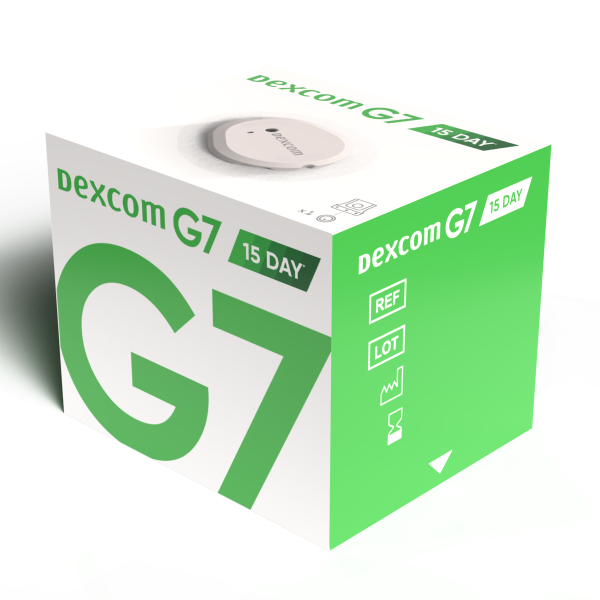
Image
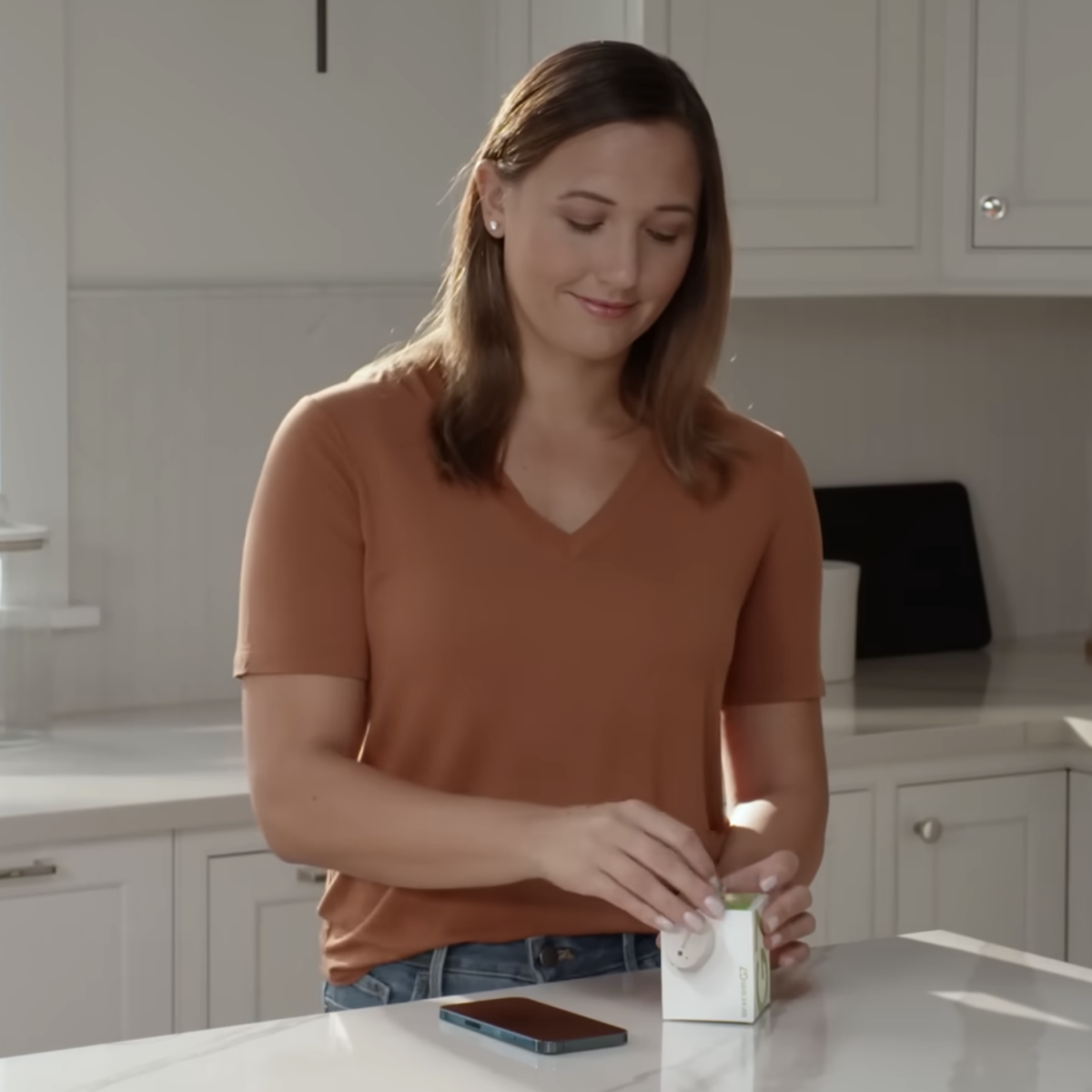
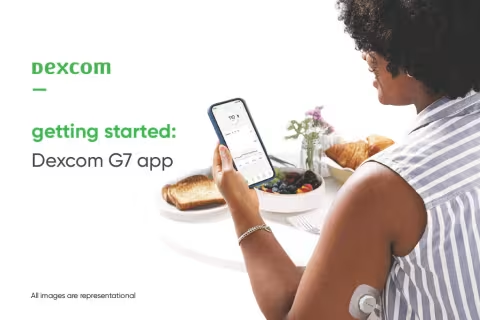
Guide patients through Dexcom G7 and Dexcom G7 15 Day setup using the Dexcom G7 app or a receiver.
This resource is intended for educational purposes only for healthcare providers practicing in the United States. It does not constitute medical advice and is not a substitute for professional judgment or individualized patient care.
These videos are designed to support patient onboarding by walking through the Dexcom G7 and Dexcom G7 15 Day setup experience step-by-step. These videos can be used during visits, shared after appointments, or assigned as pre-visit education.
The series includes clear demonstrations for:
Each video covers key steps for patients new to Dexcom CGM - creating an account, inserting the sensor, pairing the device, warm-up, and navigating core features.
To further support patients, Getting Started PDF guides are also available on this page. These guides, available in English and Spanish, can be shared digitally or printed to reinforce setup steps and provide a reference patients can return to at home.
Download, print, and share
These guides mirror the Dexcom G7 setup process shown in the Getting Started videos and are designed to support patient learning. Available in English & Spanish.

Originally published March 9, 2026.
Last updated July 25, 2026.
*Smart device sold separately. For a list of compatible devices, visit dexcom.com/compatibility.